

Saving changes
The top bar showsAll saved or Unsaved changes. Changes to filters, columns, sort or view are kept in your browser until you decide:
- Save writes them to the page.
- Reset discards them and returns to the saved state.
- Reset to defaults clears everything: no filters, all kinds, sort by spread, default columns and row height.
Creating a page
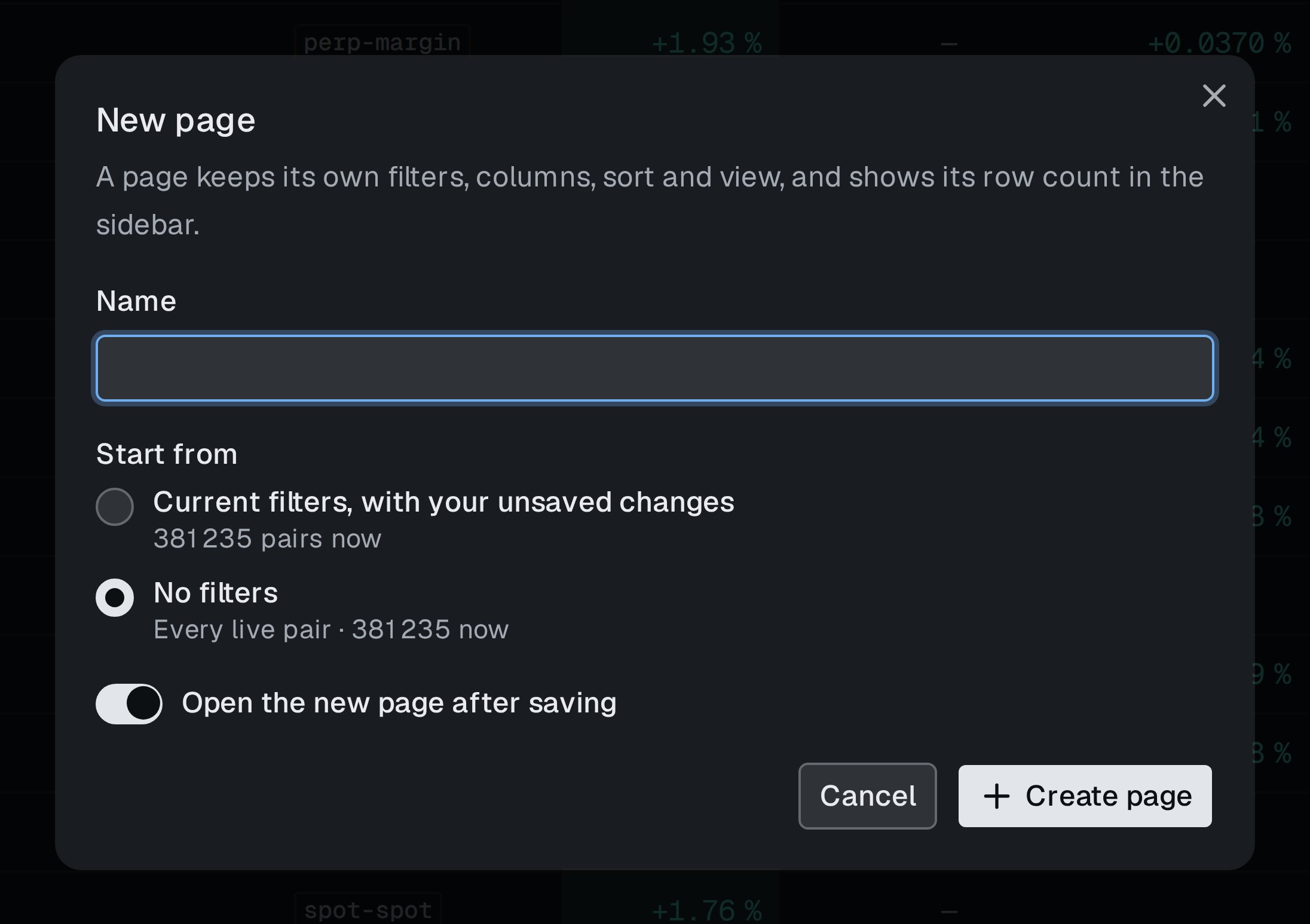
The New page dialog.
- Click + next to Scanners in the sidebar.
- Enter a name.
- Choose Start from: the current filters including unsaved changes, or no filters.
- Leave Open the new page after saving on to switch to it at once.
- Click Create page.
Page menu
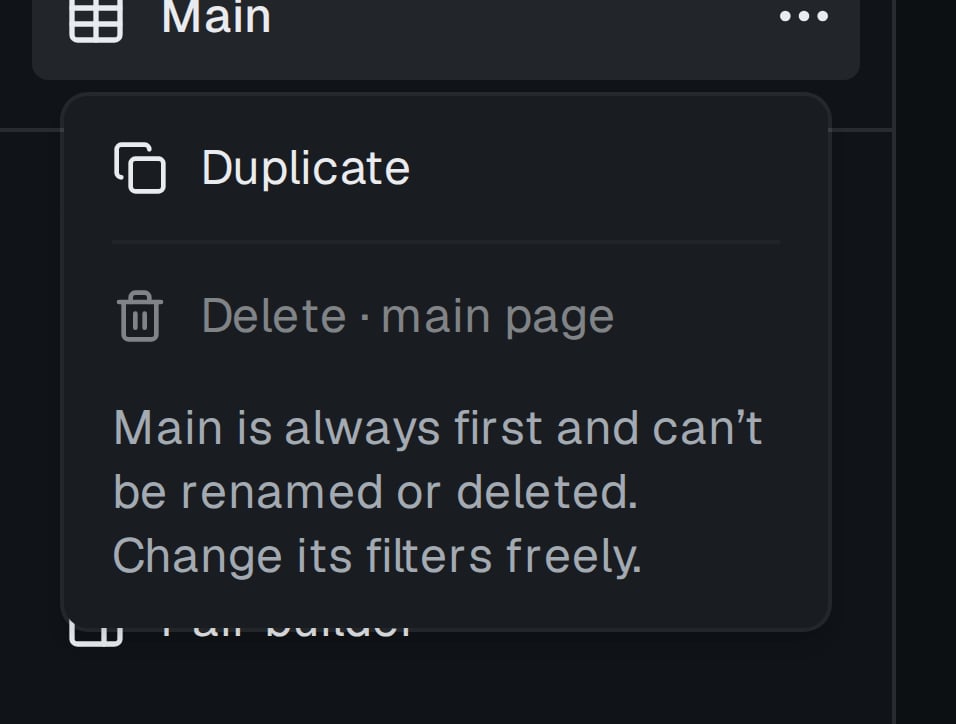
The page menu in the sidebar.
Hidden pairs
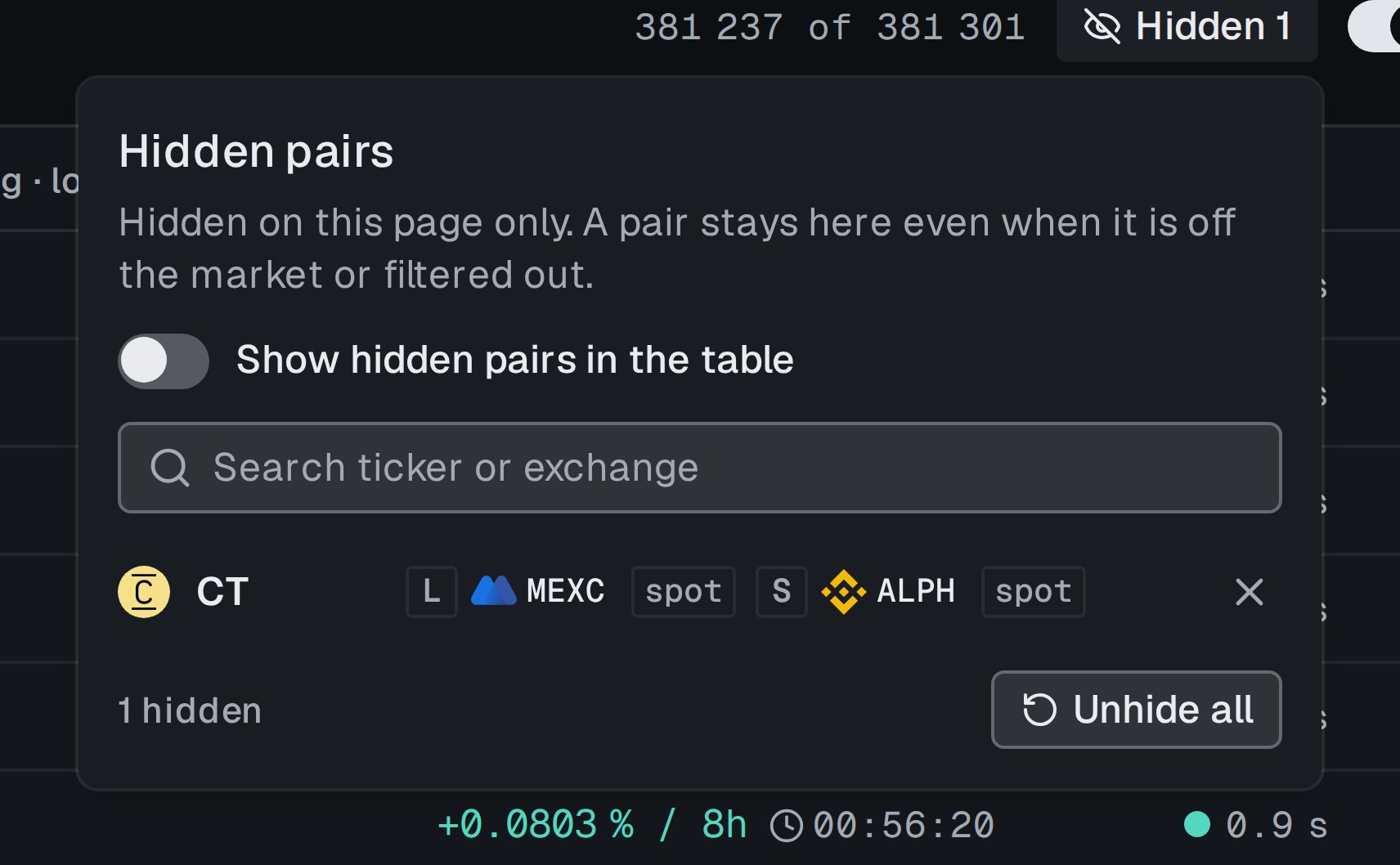
Hidden pairs of this page.