

First visit as a guest
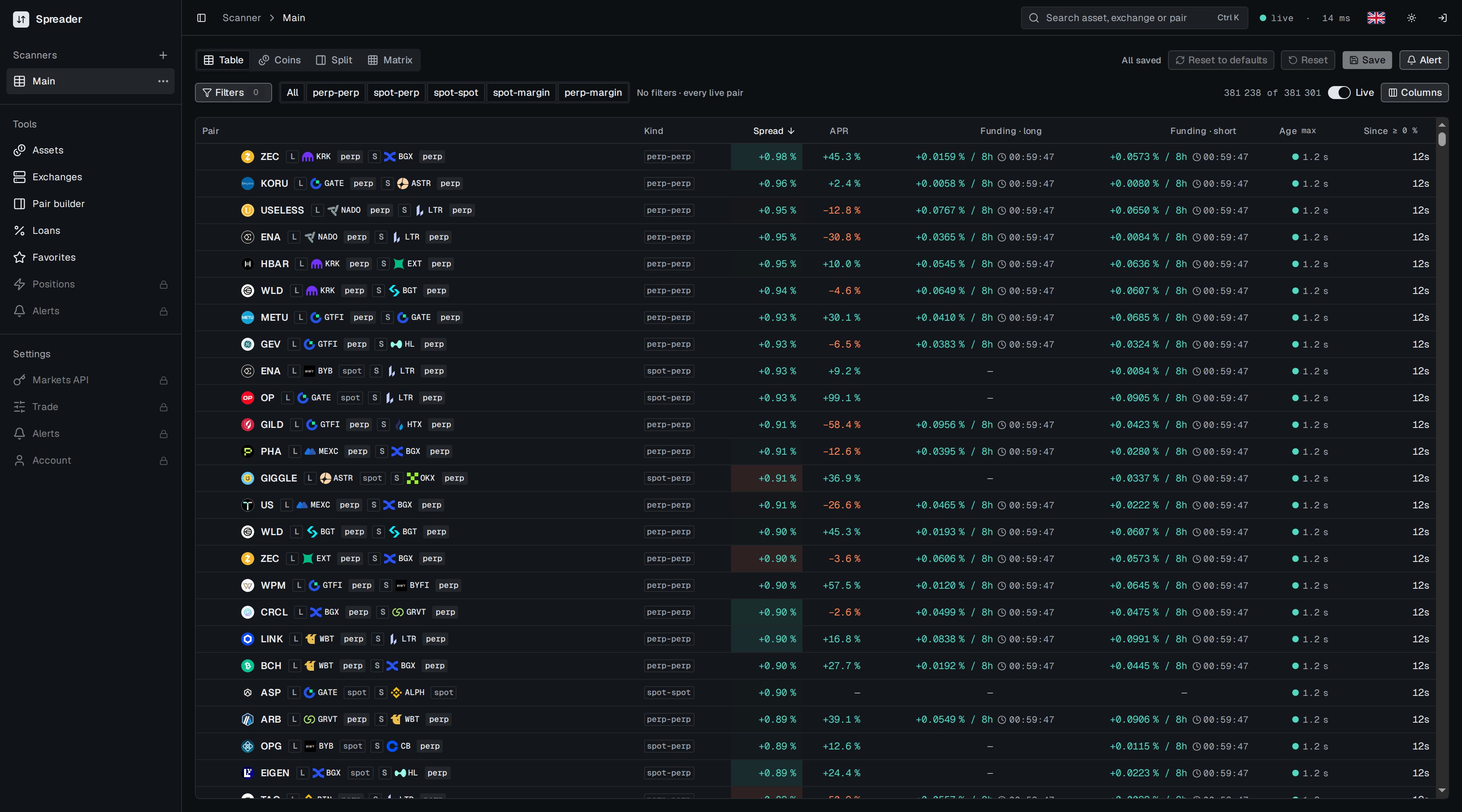
The scanner as a guest sees it. Sections with a lock need an account.
When the service is under heavy load, guests are slowed to one update per second first. Signed in users keep full speed.
Sign up or log in
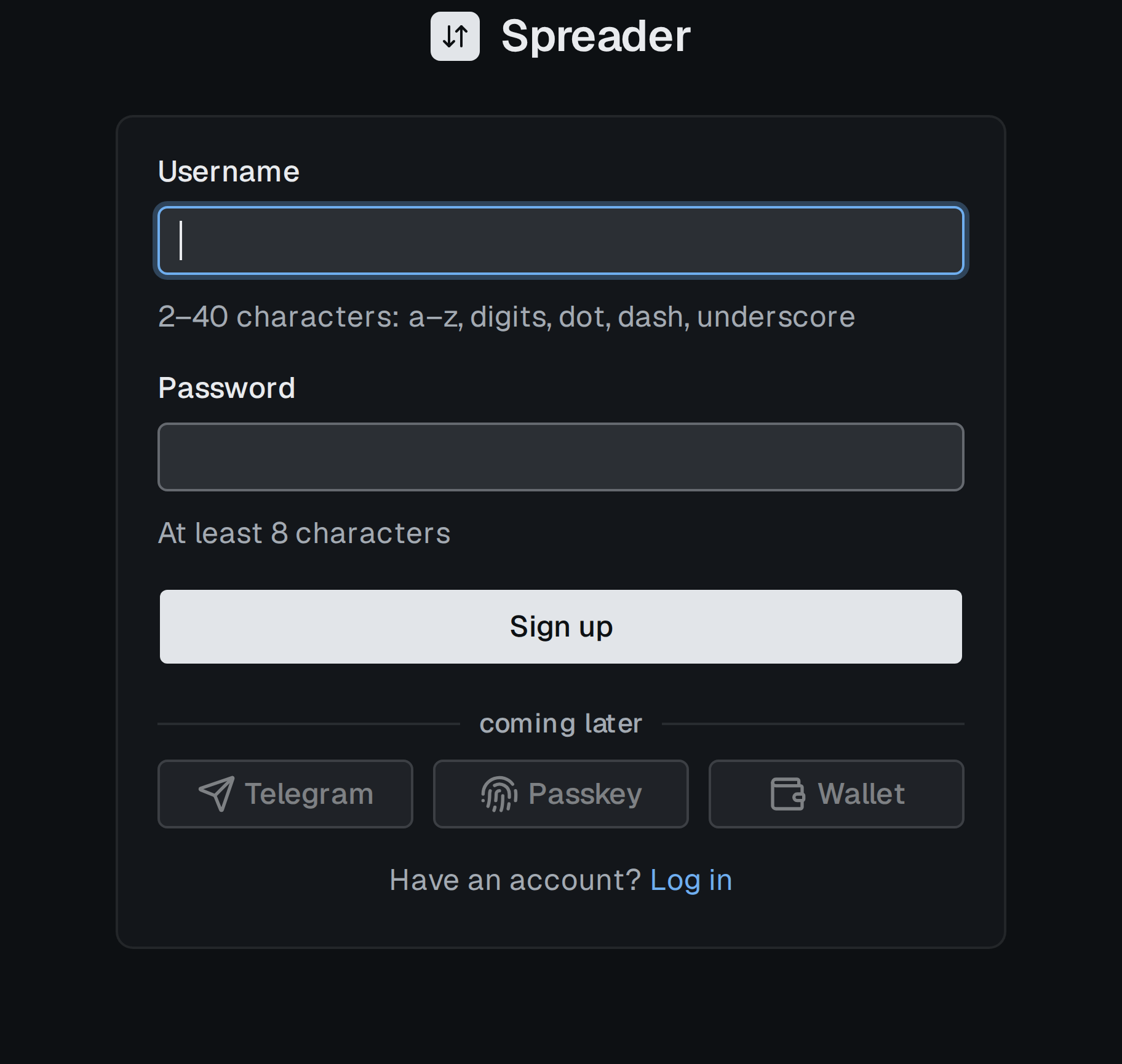
The sign up form. The Log in form asks for the same two fields.
- Click the log in icon at the right end of the header.
- On the login page choose Sign up under the form.
- Enter a username (2 to 40 characters: a to z, digits, dot, dash, underscore) and a password of at least 8 characters.
- Click Sign up. You are signed in immediately.
The layout

Header: sidebar toggle, breadcrumb, search, connection state, language, theme, account.
- Sidebar on the left lists your scanner pages, Tools and Settings. The first header button hides or shows it.
- Search (
Ctrl KorCmd K) finds an asset, an exchange, a pair or one of your pages. Paste a contract address to search by contract. - Connection state shows
livewith the current delay,reconnectingwhen the stream is interrupted andno fresh quoteswhen exchanges stop answering. - Language switches the interface between English, Russian and Ukrainian.
- Theme toggles dark and light mode. Both are remembered in the browser.
- Account menu shows your username and Log out. A guest sees a log in icon instead.
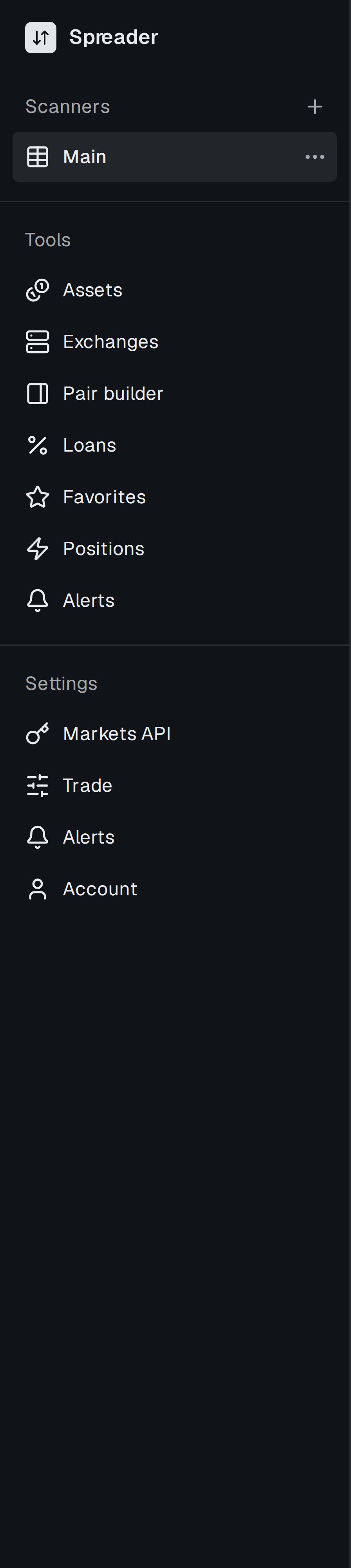
The sidebar: scanner pages, Tools and Settings.
Where to go next
- Scanner is the main screen. Every row is a spread between two markets of the same asset.
- Click a row to open its spread page with both legs, history and trading.
- Set up alerts to be told when a spread crosses your threshold.