


Rows with the default columns.
The pair cell
- Asset: logo and ticker. A question mark means no logo is known yet.
- L is the long leg: the market where you buy. S is the short leg: the market where you sell or short.
- Each leg shows the exchange code and the market type:
spot,perpormargin. - A multiplier badge such as
1000×means the contract on that leg is for 1 000 units of the asset. Prices are already brought to one unit before the spread is calculated. delistingon a leg means the exchange is removing that market.no poolon a margin leg means nothing is left to borrow.
Kind
The kind names the two legs.Columns
All percentages are relative to the average price of the two legs, so a spread reads the same in both directions.
Fees are the base taker fees of each exchange for that market type, with the exceptions exchanges publish for special zones. Deposits, withdrawals and transfers are not counted.
Choosing columns
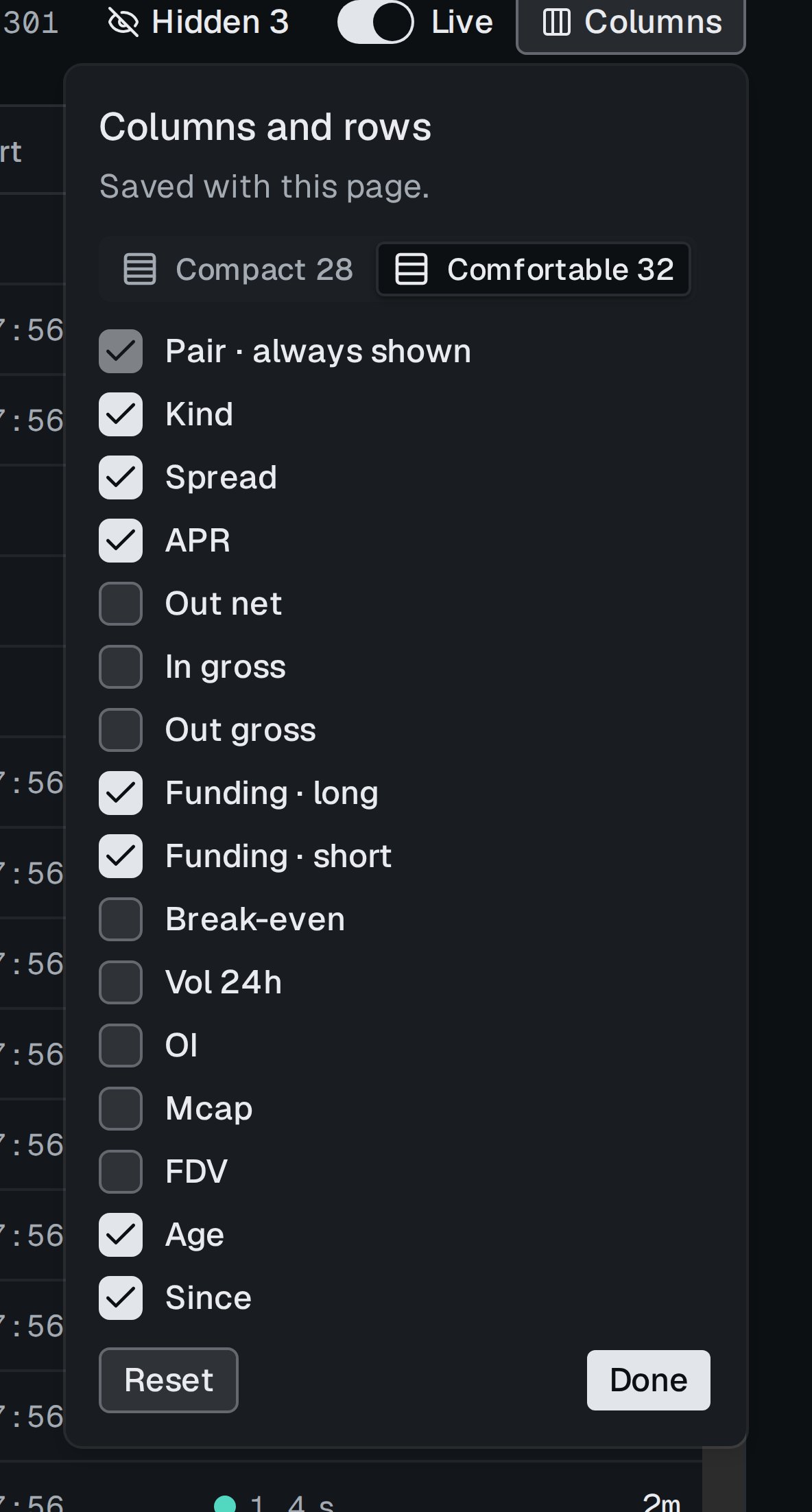
The Columns panel. The choice is saved with the page.