

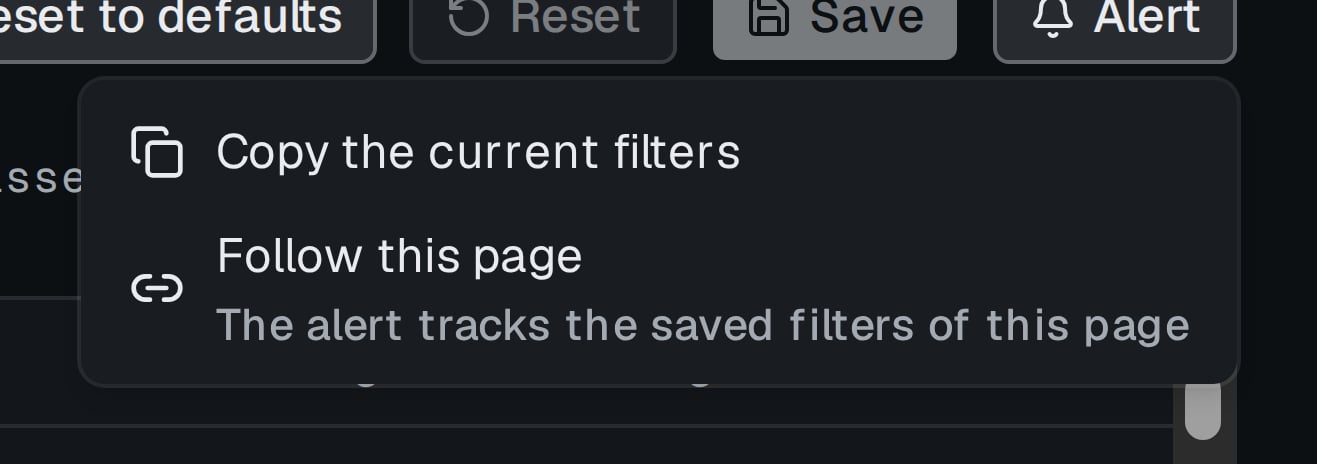
The Alert menu of a scanner page.
Copy the current filters
- Set the filters on the page, including unsaved changes.
- Click Alert › Copy the current filters.
- In the editor Alert by filters give the rule a Name, check the filter chips, pick Fire per and the protections, choose Deliver to and click Create.
Follow this page
- Click Alert › Follow this page. With unsaved changes the hint says Tracks the saved filters. Unsaved changes apply after Save.
- Fill the editor Alert that follows a page and click Create.
follows page "name". Deleting the page deletes the rule. A followed shared scanner updates the rule when its owner saves, see Sharing scanners.
Fire per
Too wide
A rule that matches more than 5 000 directions is refused: The filter matches N directions — narrow it to at most 5 000 (for example, set a minimum In net). A page rule whose page grows past the limit is paused aspaused: page too wide until the page is narrowed.