

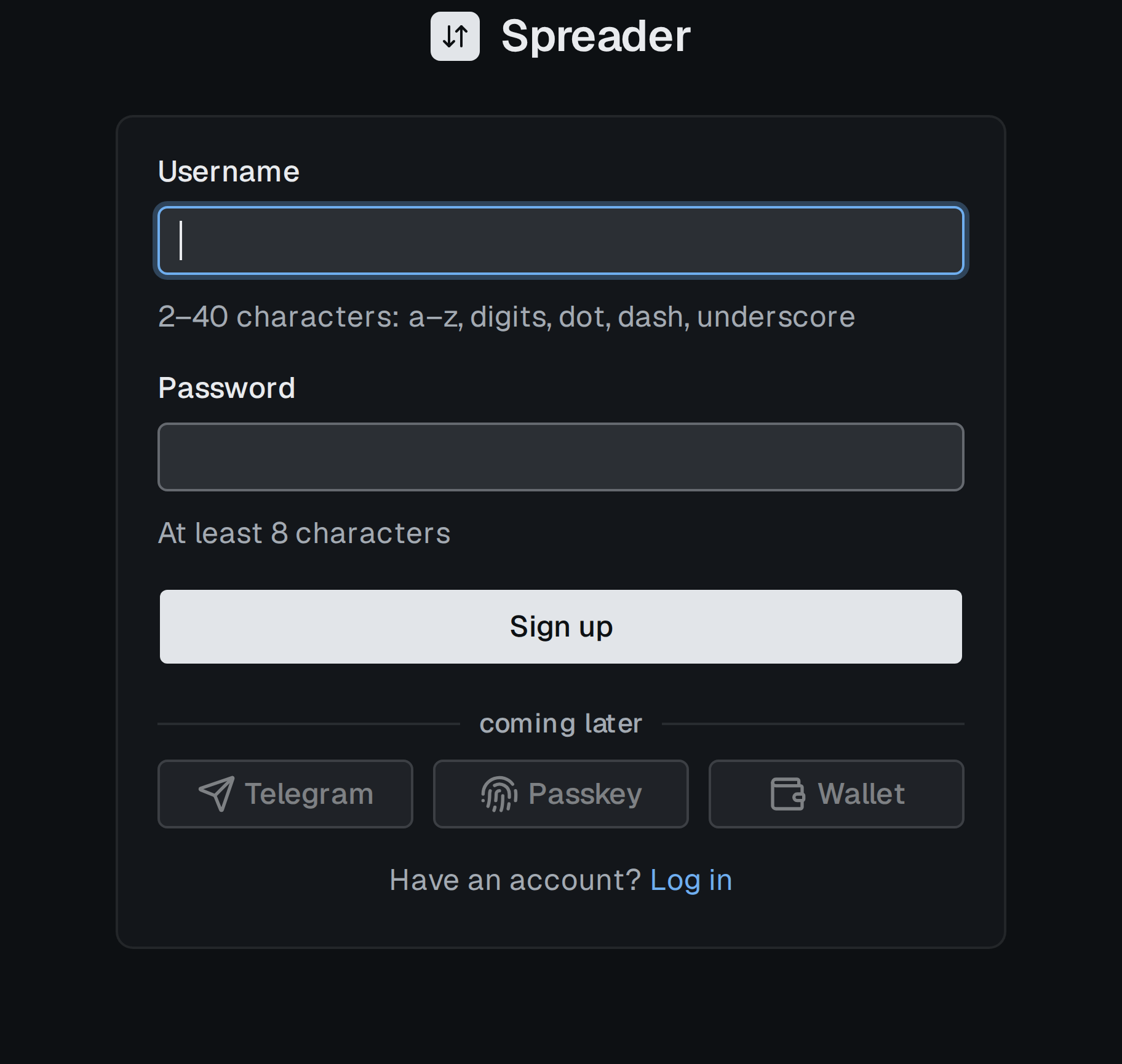
Step 1 of the sign up form.
Steps
- Click the Log in icon at the right end of the header, then New here? under the card. The address is
/signup. - Enter a username and click Next. Allowed: 2 to 40 characters,
atoz, digits, dot, dash, underscore. A taken name is reported at once as This username is taken. - Choose how you will log in:
- Password: type a password of at least 8 characters and click Sign up.
- Passkey: click Passkey under the
ordivider. Your device asks for a fingerprint, face or PIN. The passkey is stored on the device or in its password manager. - Telegram: click Telegram under the divider and confirm in the Telegram window.
- If the email step is offered, enter an address and click Send code, then type the 6 digit code from the email and click Continue. Or click Skip for now under the card.
Email as a backup
An email is a way to log in and to reset a forgotten password, not a channel for alerts. After registering with a username and password you see the card Add a backup way to log in once, with Open settings and Not now. Add or remove an email later inSettings › Account, see Account.