

/login. The header Log in icon opens it. A signed in user who opens /login is sent to the scanner.
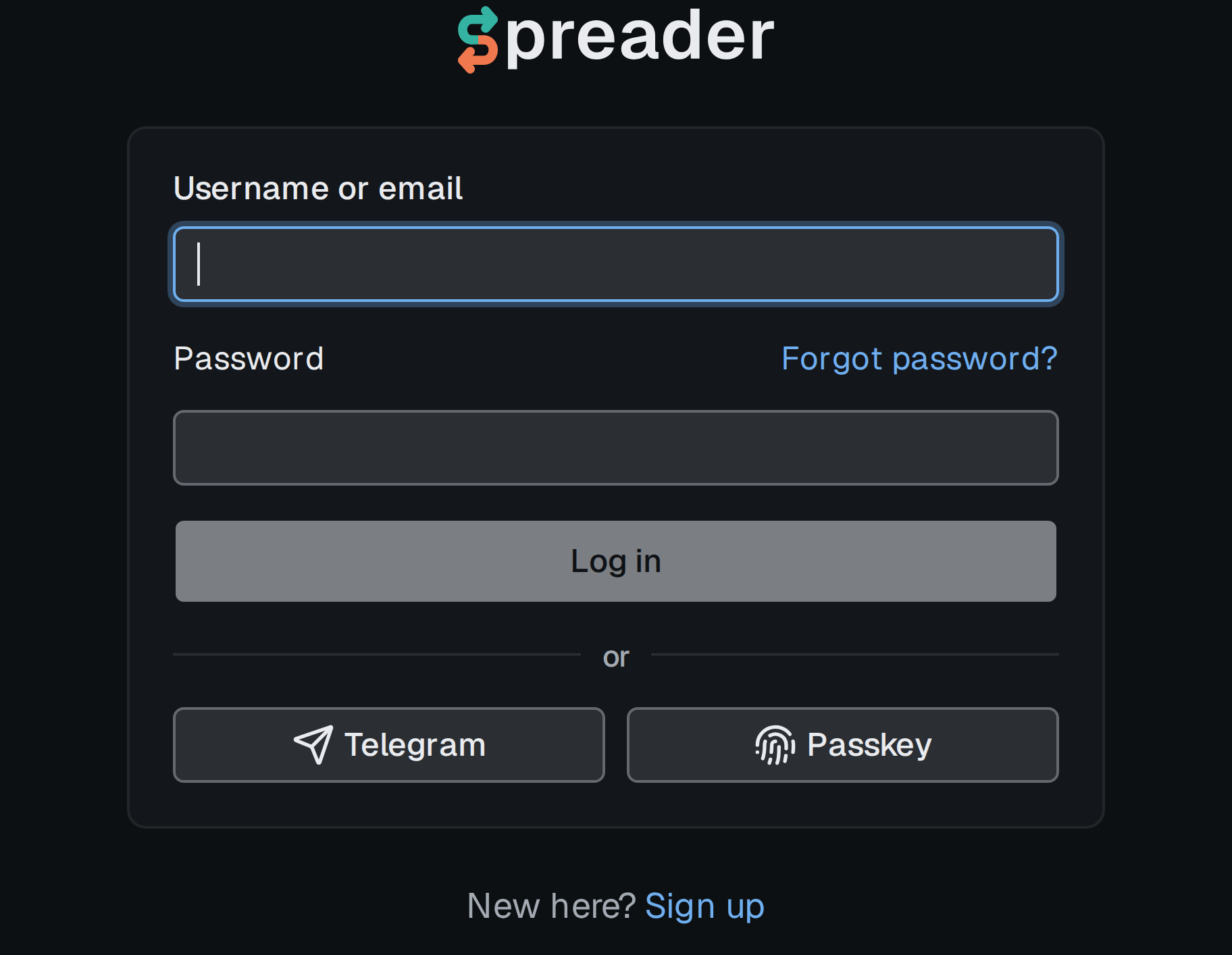
The login card.
With a password
- Enter Username or email and Password.
- Click Log in.
With a passkey
Click Passkey under theor divider and confirm on your device. No username is needed. In browsers that support it, the username field also offers your saved passkeys as autofill.
If the passkey is rejected, log in another way and remove it in Settings › Account, see Account.
With Telegram
Click Telegram under the divider and confirm in the Telegram window (the request comes from the Spreader bot, @SpreaderApp). Only a Telegram account that is already linked to a Spreader account can log in this way, otherwise the form says This Telegram account is not linked to any account.Forgot password
- Click Forgot password? next to the password field.
- Enter your username or email and click Send code. The reply is the same whether or not the account exists.
- Type the 6 digit code from the email and click Continue. The code is valid for 10 minutes and allows 5 attempts.
- Enter a new password of at least 8 characters and click Set.